
Affinity 3.2: Canva Transitions Creative Suite to Free Universal Edition
Article Content
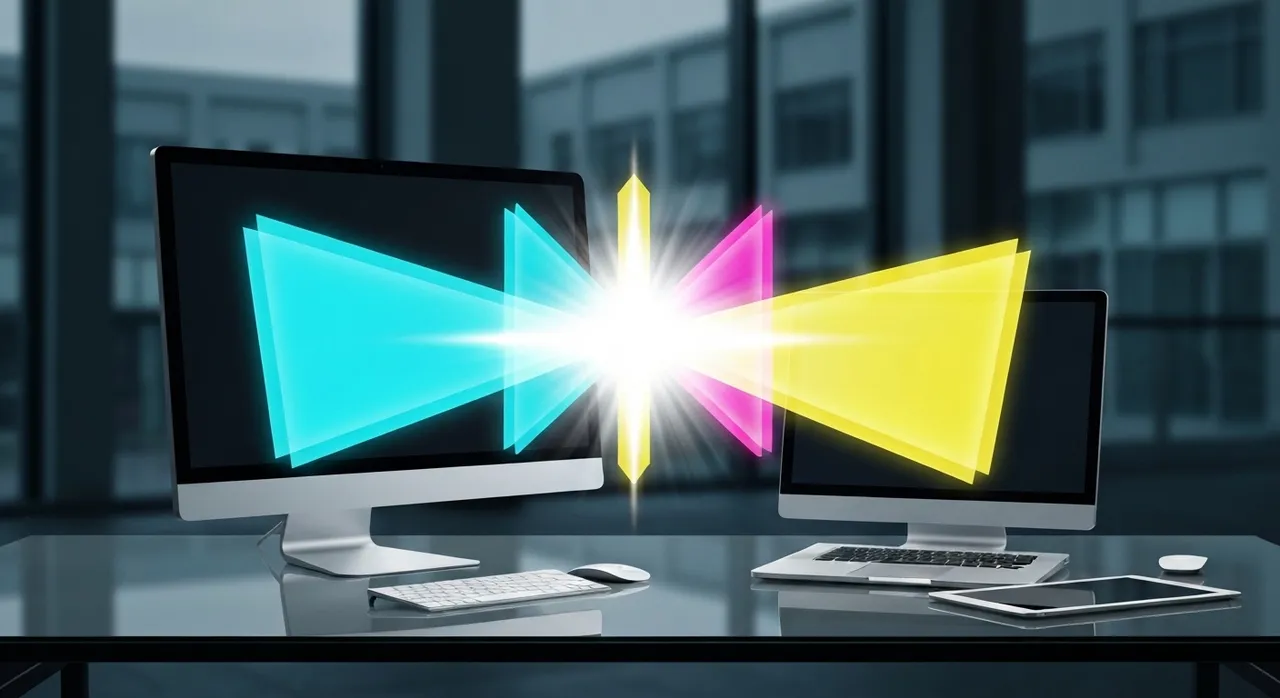
The landscape of professional creative software underwent a seismic shift on April 27, 2026, as Canva officially unveiled Affinity 3.2. Dubbed the “Universal Edition,” this release marks the culmination of a two-year strategic pivot following Canva’s acquisition of Serif. By transitioning the historically paid professional suite—comprising Designer, Photo, and Publisher—into a free-to-use application, Canva has not only challenged the industry’s reliance on subscription models but has also redefined the baseline for high-end creative utility. Affinity 3.2 represents more than a pricing update; it is a technical overhaul that integrates “agentic” AI, sophisticated vector fluid dynamics, and a real-time bridge to the world’s leading video post-production tools.
The Universal Edition: Democratizing High-End Design
For decades, the “pro” label in design software was synonymous with a paywall. Canva’s decision to launch the Affinity 3.2 Universal Edition as a free-to-use suite effectively dismantles this barrier. This is not a “lite” version or a feature-stripped mobile port; it is the full, native desktop experience for macOS, Windows, and iPadOS. The strategic logic here is clear: by offering Affinity 3.2 for free, Canva is positioning it as the ultimate “top-of-funnel” acquisition tool. While the software itself is free, the ecosystem is monetized through Canva’s enterprise collaboration features, premium AI credits, and a global marketplace where designers can sell assets created within the suite.
This transition to the Universal Edition ensures that students, freelancers, and small studios have access to tools that were previously the exclusive domain of high-budget agencies. The move has sent shockwaves through the industry, forcing competitors to justify their monthly fees in an era where professional-grade vector and raster engines are now accessible to anyone with a computer.
Technical Innovation: The Vector Blob Brush and Erase Tools
One of the most significant technical additions in Affinity 3.2 is the introduction of the Vector Blob Brush and Vector Erase tools. These features solve a long-standing friction point in digital illustration: the trade-off between the fluidity of raster painting and the precision of vector paths. Historically, creating complex vector shapes required meticulous node placement or the use of the Pen tool, which can be unintuitive for traditional artists.
Fluid Geometry and Real-Time Node Optimization
The Vector Blob Brush allows designers to “paint” vector shapes using a brush-based interface. When strokes overlap, the software automatically merges the geometry into a single, clean vector object. This is made possible through a new real-time path-simplification algorithm that runs in the background, ensuring that even the most complex brushwork doesn’t result in an unmanageable explosion of nodes. Key features include:
- Rope and Window Stabilization: Smoothes out hand tremors for perfectly curved strokes.
- Pressure Sensitivity: Maps pen pressure to the width of the vector “blob,” allowing for organic, calligraphic flourishes that remain infinitely scalable.
- Nozzle Customization: Users can switch between round and square nozzles to define the geometric “DNA” of their shapes.
Complementing the Blob Brush is the Vector Erase tool. Unlike traditional clipping masks or destructive pathfinder operations, the Vector Erase tool functions like a standard eraser but operates on vector geometry. By dragging over a shape, the tool subtracts the “erased” area, instantly recalculating the paths to maintain a clean, closed loop. This enables a workflow where artists can sculpt shapes with additive and subtractive gestures, drastically reducing the time spent in the Node Tool.
Advanced Imaging: The Multi-Band Sharpen Filter
In the realm of raster editing, Affinity 3.2 introduces a revolutionary Multi-Band Sharpen filter. Traditional sharpening tools, such as the Unsharp Mask, often suffer from “haloing”—unsightly white or dark edges that appear when contrast is boosted around high-frequency detail. The Multi-Band Sharpen filter avoids this by using a frequency-separation logic similar to that used in high-end retouching.
Precision Frequency Control
The filter decomposes the image into multiple frequency bands—ranging from coarse textures to microscopic details. Users can then apply sharpening to specific bands while leaving others untouched. For example, a portrait photographer can sharpen the fine details of eyelashes and hair without amplifying skin pores or introducing artifacts into the background bokeh. Technical highlights of this filter include:
- Base Radius Control: Determines the starting point for frequency separation.
- Band Range: Allows users to define exactly how many “layers” of detail the filter interacts with.
- Artifact Suppression: A dedicated algorithm that detects edge contrast and prevents the over-sharpening that typically leads to digital noise.
This tool is particularly valuable for astrophotography and high-end product photography, where maintaining the integrity of textures is as important as the sharpness of the edges themselves.
Agentic Workflows: Claude AI Integration
Perhaps the most “2026” feature of Affinity 3.2 is its integration with Claude AI. This is not merely a generative “prompt-to-image” tool; it is a full-scale implementation of agentic workflows through the Model Context Protocol (MCP). For the first time, the software can function as a co-pilot that understands the structural DOM (Document Object Model) of an Affinity file.
Automated Refactoring and Asset Generation
Advanced users can now prompt Affinity 3.2 to perform complex document refactoring. For instance, a designer can command: “Refactor this 24-page brochure into a set of 10 social media squares, maintaining brand colors and moving all headline text to the top third of the frame.” The AI doesn’t just move pixels; it identifies layers, adjusts typography settings, and resizes assets autonomously.
Other agentic capabilities include:
- Layer Organization: Automatically renaming and grouping thousands of layers based on visual content and project hierarchy.
- Dynamic Brand Swapping: Instantly updating an entire multi-document project to a new Brand Kit—changing fonts, colors, and logos across Designer and Publisher files simultaneously.
- Automated Scripting: Claude can write and execute custom scripts within Affinity’s internal scripting engine, allowing users to build bespoke tools on the fly without knowing a line of code.
This shift from “AI as a toy” to “AI as an agent” signifies the end of the “busywork” era in professional design, allowing creators to focus entirely on the conceptual and aesthetic aspects of their work.
The DaVinci Resolve 21 Bridge: A New Era for Motion Graphics
The integration between Affinity 3.2 and DaVinci Resolve 21 represents a major victory for video editors and motion designers. Historically, moving assets from a design suite to a video editor required constant exporting and re-importing of PNGs or PSDs. The new real-time bridge allows .af (Affinity) files to be used as live-updating assets within the Resolve timeline.
Native Decoding and Live-Linking
When an Affinity 3.2 file is dropped into the DaVinci Resolve 21 media pool, it is decoded natively. This means Resolve understands the individual layers, blending modes, and vector paths within the file. The “Split Layers into Place” feature in Resolve allows an editor to instantly unpack an Affinity document into separate tracks on the timeline, ready for animation.
The real magic happens during the revision process. If a client requests a color change on a title card, the designer simply makes the change in Affinity 3.2 and hits save. Because of the live bridge, the asset updates instantly inside the Resolve project, including all applied transitions, keyframes, and Fusion effects. This eliminates the “export-feedback-re-export” loop that has plagued the post-production industry for decades.
Conclusion: The New Creative Standard
The launch of Affinity 3.2 is a defining moment for the creative industry in 2026. By combining a “Universal Edition” free-access model with high-tier technical tools like the Vector Blob Brush and the Multi-Band Sharpen filter, Canva has made a compelling case for the mass migration of professionals away from legacy subscription ecosystems. The inclusion of Claude AI agentic workflows and the seamless bridge to DaVinci Resolve 21 further solidifies Affinity 3.2 as a powerhouse that doesn’t just compete with its peers—it outpaces them in terms of modern, interconnected utility.
As we look forward, the Affinity 3.2 update serves as a blueprint for the future of software: powerful, accessible, and deeply integrated with the AI and video-centric workflows that define today’s digital world. Whether you are a solo illustrator or a lead designer at a global firm, Affinity 3.2 offers a suite of tools that are as technically profound as they are socially transformative.
Written by
TempMail Ninja
Digital privacy and online security expert. Passionate about creating tools that protect users' identity on the internet.


