
Brave browser Workspaces Feature Announced for Power Users
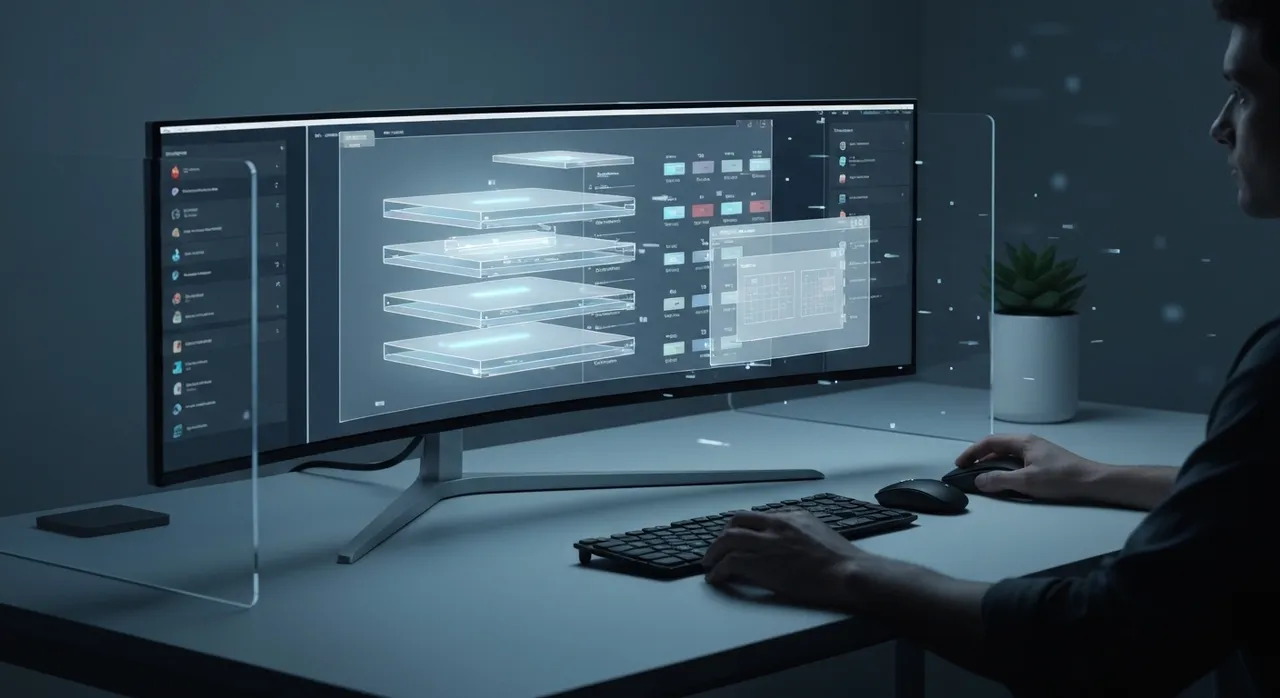
Article Content
For years, power users and privacy advocates have faced a frustrating compromise when selecting their primary desktop navigator. While Brave has long reigned supreme in tracking protection, built-in ad blocking, and Chromium-based speed, its native tab-management mechanics have lagged behind more experimental competitors. Digital professionals managing multiple simultaneous projects have often had to choose between the stellar privacy of Brave and the deep layout customization of alternative tools. However, that compromise is officially coming to an end. Brave Software CEO Brendan Eich has confirmed that the highly anticipated, native Brave browser Workspaces feature is actively in development, promising to bring native, robust workspace partitioning to the privacy-first browser.
The confirmation came as a direct response to a user on social media who noted they would remain with Vivaldi until Brave addressed its comparative lack of tab-organization utilities. Eich responded by affirming that the engineering team is currently hard at work on the implementation. Tracked under GitHub issue #54738, this feature aims to give “digital ninjas” the power to segment their workflows into clean, isolated browsing environments. Instead of relying on crowded tab strips, memory-hogging window clusters, or intrusive third-party extensions, users will soon be able to natively partition their browser into dedicated spaces for Work, Personal browsing, or specific research tasks.
The Anatomy of Brave browser Workspaces: What is Under the Hood?
To understand why this feature has created such a buzz in the power-user community, it is helpful to look at how native workspaces differ from standard Chromium tab groups. Traditional tab groups simply cluster tabs together on a single horizontal bar, which quickly becomes cluttered when managing dozens of pages. In contrast, Brave browser Workspaces will allow users to completely hide and reveal entire environments with a single click. When switching spaces, inactive tabs are swept out of view, presenting a clean slate tailored specifically to the active task.
The technical implementation behind GitHub issue #54738 reveals a highly detailed state-preservation engine designed to save comprehensive session metadata. When you configure and run a workspace in Brave, the browser does not just bookmark your links; it actively preserves the operational context of your session. According to official developer commits, Brave’s state preservation includes:
- Active Window Dimensions: The browser remembers the specific dimensions and positioning of the window associated with each workspace, maintaining your visual ergonomics across reboots.
- Comprehensive Tab State: Both standard active tabs and pinned tabs are preserved exactly where you left them.
- Custom Tab Groups: Custom names, color-coded groupings, and structural hierarchies within the workspace are saved natively.
- Navigation History: Crucially, the system tracks the complete backward and forward navigation history for every individual tab. This means you do not lose your trail of research when closing or switching away from a workspace.
By capturing this deep transactional state, Brave is building a workspace manager that mirrors the behavior of a dedicated browser instance, but without the massive hardware overhead typically required to run multiple profiles or windows.
A Three-Phased Roadmap for Flawless Execution
Developing a robust, crash-resistant workspace architecture within a Chromium-based browser is a massive engineering undertaking. To prevent stability issues and manage the immense technical scope, Brave’s core engineers—including prominent developers like @bsclifton—are utilizing a phased rollout plan. This structured roadmap divides the implementation into three clear developmental milestones:
Phase 1: Establishing the Save-and-Reload Architecture
The first phase is strictly dedicated to establishing a stable backend architecture. Engineers are focused on building the underlying infrastructure to successfully save, serialize, and reload workspaces without losing state or corrupting tab data. To test this phase, developers have introduced a manual developer flag. Users running Brave Nightly can currently navigate to brave://flags/#brave-workspace to view the initial groundwork, though it remains disabled by default. Under GitHub issue #55108, engineers are actively working on adding the “Spaces” or “Workspaces” button to the main tab strip (and vertical tab sidebar) to provide the physical UI anchor for saving and loading these sessions.
Phase 2: Instant Switching and Memory Optimization
Once the foundational save-and-reload mechanics are stabilized, Phase 2 will introduce the polished UI and performance enhancements that elevate the user experience. In this phase, users will be able to instantly swap between workspaces. Clicking on a new workspace will automatically hide the current set of tabs, save their exact live state, and load the new set. To keep system resource usage exceptionally low, Brave will employ a lazy-loading strategy: background tabs within an inactive workspace will remain suspended, only loading into active system memory when a user explicitly clicks on them. This auto-saves changes in the background, eliminating the need for manual saves while preventing the browser from devouring system RAM.
Phase 3: Cross-Device Sync and the Vivaldi-Like UI
The final milestone addresses the long-term vision of Brave browser Workspaces. With contribution from developers like @aguscruiz, Phase 3 will introduce cross-device synchronization. Brave plans to weave workspaces directly into its privacy-focused, client-side encrypted Sync system. This will allow power users to seamlessly transition a research session from a desktop workstation to a laptop or mobile device. Additionally, the browser is targeting a sophisticated, single-window workspace interface that functions similarly to Vivaldi, letting users jump between environments via an elegant vertical sidebar or tab-strip toggle without ever needing to spawn messy external windows.
Comparing Brave to the Competition: Vivaldi, Opera, and Zen Browser
The decision to build native workspaces is a direct response to a changing competitive landscape. For years, browser enthusiasts seeking advanced multitasking features had to look to specialized alternatives. Let’s look at how Brave’s upcoming implementation stack up against the market leaders:
- Vivaldi: Vivaldi remains the gold standard for custom workspace layouts, offering highly granular control over web panels, split-screen tab tiling, and multi-tier tab stacks. Brave’s implementation aims to match this organizational depth while offering a cleaner, less overwhelming out-of-the-box user experience.
- Opera: Opera pioneered the concept of sidebar-integrated workspaces. However, many users have expressed growing concerns over Opera’s proprietary data practices and slow ad-blocking updates. Brave’s native solution will appeal directly to those who want Opera-style multitasking but refuse to compromise on privacy.
- Zen Browser: A newer open-source, Gecko-based competitor, Zen Browser has gained traction among power users for its vertical sidebar, Arc-style workspaces, and clean modular UI. Brave’s adoption of native workspaces ensures it remains highly competitive against these rising alternative frameworks.
The Privacy Imperative: Why Native Workspaces Matter
For the privacy-conscious user, the introduction of native Brave browser Workspaces is more than just a convenience—it is a critical security upgrade. In the absence of native workspace tools, many Brave users have historically turned to third-party extensions available in the Chrome Web Store to manage their tab sessions. While these extensions resolve the immediate UX issue, they introduce significant privacy vulnerabilities.
Third-party tab managers require broad permissions to read and modify all data on the websites you visit to track open URLs. History has shown that popular, independent extensions are frequently sold to ad-tech firms or monetization networks, which then quietly inject tracking scripts or harvest user browsing histories. By implementing a native, zero-telemetry workspace system directly into the browser core, Brave completely eliminates the need for these high-risk extensions, keeping your browsing metadata locked down and client-side encrypted.
Conclusion: The Ultimate Utility Suite for Digital Ninjas
With the introduction of native workspaces, Brave is transitioning from a fast, privacy-focused browser into an absolute powerhouse of digital productivity. By integrating comprehensive state preservation, intelligent memory-saving mechanics, and seamless cross-device syncing, Brave is directly addressing its most glaring functional gap. For power users, developers, and researchers who demand structured workspaces without sacrificing security, the wait is nearly over. Keep an eye on the brave://flags/#brave-workspace developer toggle as Brave rolls out these phases, ushering in a new era of clean, compartmentalized, and compromise-free web browsing.
Written by
TempMail Ninja
Digital privacy and online security expert. Passionate about creating tools that protect users' identity on the internet.


