
Chrome split-screen browsing: Google’s AI Mode update 2026
Article Content
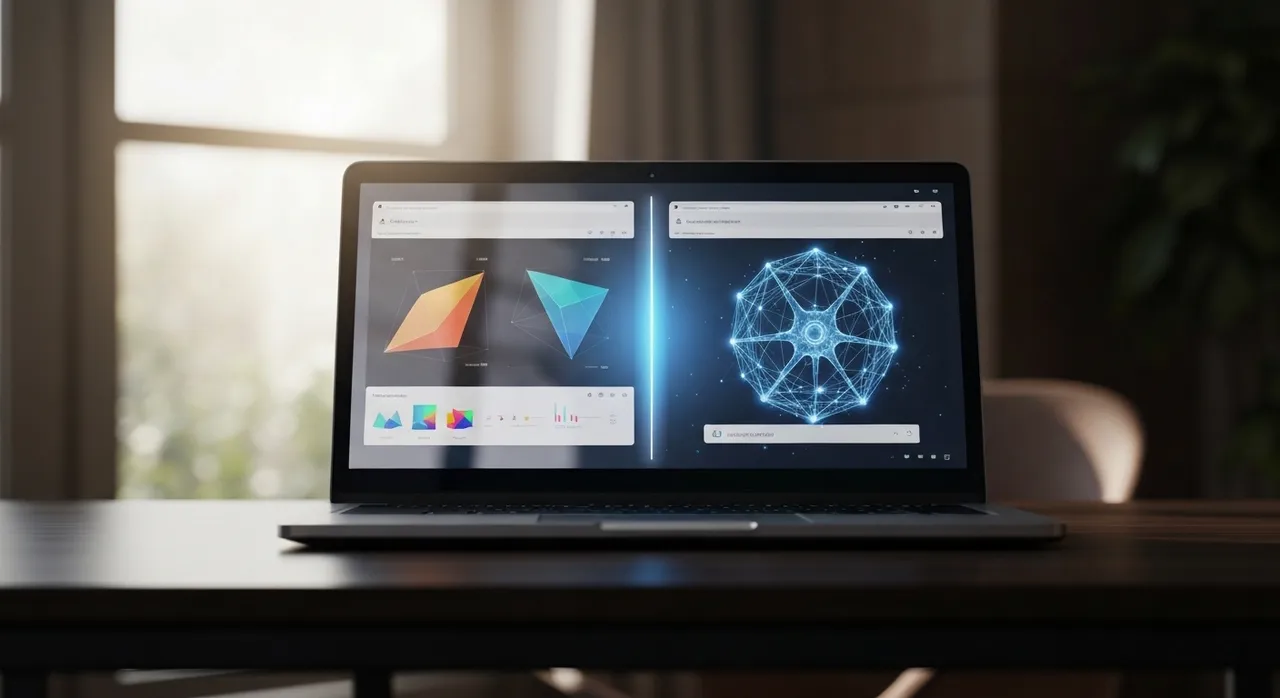
The release of the Google Chrome “AI Mode” update on April 17, 2026, marks a pivotal shift in the architecture of the world’s most popular browser. For years, the fundamental unit of the web experience has been the single tab—a window into a single source of truth. With this latest deployment, Google has effectively deconstructed that paradigm, introducing Chrome split-screen browsing as a native, AI-integrated utility designed to bridge the gap between information discovery and data synthesis. This update is not merely a cosmetic change; it is a response to the “tab-switching tax” that has plagued intensive research workflows for decades.
The Architecture of Chrome Split-Screen Browsing
At the core of the April 2026 update is a fundamental re-engineering of how Chrome handles viewports. Historically, split-screen functionality was relegated to the operating system level (such as Windows Snap or macOS Split View) or achieved through third-party extensions that often strained the browser’s memory management. The new native implementation allows Chrome to partition a single window into two distinct, high-performance execution environments.
One pane is dedicated to a persistent AI Mode interface, powered by the Gemini 3 Flash model. This model is specifically optimized for low-latency reasoning and real-time context processing. The secondary pane functions as a standard web browser, allowing users to navigate live sites. The technical achievement here lies in the synchronization between these two panes. When a user clicks a link within the AI’s conversational output, the page does not replace the current view or launch a detached tab; instead, it populates the secondary pane, maintaining the AI dialogue as an anchor for the session.
Eliminating the “Tab Hopping” Friction
Google’s internal research, cited during the update’s launch, highlighted a significant productivity drain dubbed “tab hopping.” Analysts found that during complex research tasks, users switch between search results and source materials an average of 27 times per hour. Chrome split-screen browsing targets this inefficiency directly. By providing a persistent AI assistant that “sees” what is in the adjacent pane, Chrome allows for a continuous flow of verification and summarization.
Key features of this new side-by-side experience include:
- Contextual Awareness: The AI Mode pane is aware of the DOM (Document Object Model) of the active webpage in the split view, allowing users to ask questions like “Summarize the methodology section of this paper” without manual copy-pasting.
- Dynamic Resizing: A central slider allows users to adjust the priority of their view, shifting from a 50/50 split to a focused reading mode where the AI occupies only a narrow column.
- Linked Interaction: Clicking on a citation in the AI pane highlights the corresponding text in the live webpage, creating a bidirectional link between the synthesis and the source.
Under the Hood: Gemini 3 Flash and the “RAM Tax”
The integration of advanced generative AI directly into the browser’s primary UI comes with significant hardware demands. The 2026 update utilizes Gemini 3 Flash, a model designed to balance “PhD-level reasoning” with the constraints of consumer-grade hardware. However, technical reviews from the first 24 hours of the release suggest a notable “RAM tax” associated with the feature.
The split-screen mode requires the browser to maintain two active rendering contexts simultaneously, alongside the local inference or heavy API calls required by the AI engine. For users on machines with 8GB of RAM, the browser’s Memory Saver mode becomes critical. Chrome now prioritizes the split-screen pair as a single “active unit,” aggressively hibernating background tabs to ensure that the interaction between the AI and the live webpage remains fluid.
Furthermore, the update introduces GPU-accelerated AI rendering. By offloading part of the AI interface’s visual processing to the graphics card, Chrome prevents the “stutter” that often occurs when a heavy webpage is loading next to a complex LLM (Large Language Model) stream. This is particularly vital for the new Nano Banana image generation tool, which is now integrated into the AI Mode panel, allowing users to generate diagrams or visual aids based on the content they are currently reading in the adjacent pane.
The Multimodal “Plus” Menu: A New Way to Ground Data
A standout technical addition in this update is the expanded “plus” menu located within the AI Mode search bar. This feature moves beyond simple text queries, allowing users to ground their AI conversations in a variety of local and web-based data sources. Through this menu, users can “attach” the following to their current split-screen session:
- Active Tab Clusters: Users can select up to 10 open tabs to be processed as a single context block. This allows for cross-referencing multiple sources (e.g., comparing product reviews from five different tech sites simultaneously).
- Native PDF Integration: Following the February 2026 update to Chrome’s PDF engine, the AI can now perform deep analysis on encrypted or long-form PDF documents directly within the split-screen view.
- Multimodal File Uploads: Users can drag screenshots or local data files (CSV, JSON) into the AI pane. The split-screen then acts as a workbench where the AI analyzes the data while the user browses for external benchmarks.
This “workspace” approach transforms the browser from a simple viewer into a synthesis engine. Instead of the AI being a separate destination (like navigating to a standalone chatbot site), it becomes an omnipresent layer of the browser’s OS-like environment.
Chrome Split-Screen Browsing vs. The Competition
While Google’s April 2026 update is a landmark for the Chrome ecosystem, it enters a market already saturated with AI-centric browser experiments. The “Ninja Editor” analysis suggests that Google is playing a game of catch-up with specialized players while leveraging its massive scale to set a new standard.
Microsoft Edge and Copilot
Microsoft Edge has offered a split-screen mode for nearly two years. However, the Chrome implementation feels more “native” to the browsing experience. While Edge’s Copilot often feels like a sidebar “pinned” to the edge of the screen, Chrome split-screen browsing feels like a fundamental re-partitioning of the viewport. Google’s integration of the AI into the link-clicking logic (opening links in the secondary pane by default) offers a more cohesive loop than Microsoft’s current implementation.
The Rise of “AI-Native” Browsers
Newer entrants like SigmaOS and the Arc successor have built their entire UX around the concept of “workspaces” rather than tabs. These browsers often utilize a “tiled” interface that can support more than two panes. Chrome’s decision to limit the native split to two panes (for now) suggests a focus on stability and mass-market usability over the complex “digital studio” approach favored by power-user browsers. However, for the average professional, Chrome’s 1-to-1 split provides a lower cognitive load and a more intuitive entry point into AI-assisted research.
Impact on Professional and Academic Workflows
The implications of this update for specialized sectors cannot be overstated. In academic research, the ability to maintain a persistent AI pane while traversing JSTOR or Google Scholar eliminates the need for manual note-taking. An AI can be tasked with “watching” for specific keywords or data points across a dozen different papers opened in the secondary pane, summarizing the findings in the primary pane in real-time.
For software developers, Chrome split-screen browsing allows for a “Documentation-Sidecar” workflow. One pane can be dedicated to an AI that is primed with the project’s specific library versions and architecture, while the other pane remains open on Stack Overflow or GitHub. The AI can provide immediate context on how a generic code snippet found on the web might need to be modified for the user’s specific environment.
In the enterprise sector, the “plus” menu’s ability to ingest PDFs and images while browsing allows for seamless competitive analysis. A marketing professional can have a competitor’s live pricing page open in one pane while the AI analyzes the company’s internal Q1 strategy document in the other, generating a gap analysis without the data ever leaving the “secure” browser environment.
Privacy, Security, and the “Contextual Sandbox”
With great data integration comes significant privacy concerns. Google has addressed this by implementing what it calls a “Contextual Sandbox” for the AI Mode. When a user adds tabs or files to the AI’s context via the “plus” menu, that data is processed in a temporary, session-based memory bank. According to Google’s technical documentation, this data is used for grounding the current conversation and is not used to train the underlying Gemini models unless the user explicitly opts into a “Personal Intelligence” feedback loop.
However, the persistent nature of the AI pane means it is constantly “reading” the active webpage to provide real-time assistance. For users handling sensitive information, Google has included a “Privacy Toggle” directly in the split-screen header. This allows users to instantly “blind” the AI to the secondary pane while maintaining the conversational history—a necessary feature for those switching between public research and private internal dashboards.
Conclusion: The Future of the Intelligent Browser
The Google Chrome update of April 17, 2026, is a clear signal that the era of the “passive” browser is over. By making Chrome split-screen browsing a native, AI-driven experience, Google is attempting to turn the browser into a proactive partner in the user’s workflow. The shift from “searching for information” to “synthesizing insights” is the new frontier of the web.
As we move further into 2026, the success of this update will likely be measured by how well Google manages the hardware demands of its ambitious AI integration. If they can solve the “RAM tax” and refine the multimodal grounding of the “plus” menu, Chrome will have successfully evolved from a simple window to the web into a comprehensive intelligence workspace. For now, users should embrace the end of tab-hopping and explore the high-efficiency potential of a truly split-screen web.
Written by
TempMail Ninja
Digital privacy and online security expert. Passionate about creating tools that protect users' identity on the internet.


