Firefox 153.0 Released with Native Tab Containers and HDR Support
Article Content
Mozilla officially released Firefox 153.0 on July 21, 2026, marking a landmark update in the open-source browser’s evolution toward robust user privacy and high-performance web standards. Operating in a digital ecosystem where cross-site tracking, aggressive browser fingerprinting, and resource-heavy web applications dominate user experiences, the release of Firefox 153.0 delivers foundational platform improvements designed to empower power users, software developers, and everyday privacy enthusiasts alike. By integrating long-standing web extension concepts directly into the core browser engine alongside major enhancements to Windows graphics pipelines and network security guardrails, Mozilla reaffirms its commitment to an independent, fast, and secure web.
Firefox 153.0 Architectural Breakdown: Native Container Integration
For nearly a decade, privacy-conscious power users relied on the official Multi-Account Containers web extension to enforce contextual identity separation. With the launch of Firefox 153.0, Mozilla has elevated Firefox Containers from an optional add-on utility to a first-party, native core feature. This structural migration eliminates the browser’s dependency on WebExtension APIs for tab grouping, allowing the rendering engine to partition user data directly at the lowest storage runtime layer.
The primary mechanism of native containerization in Firefox 153.0 centers on strict context isolation within a single browser window. When a user launches a tab inside a designated container environment—such as Work, Personal, Banking, or Shopping—the browser completely isolates stateful browsing primitives associated with that specific session. Key isolated primitives include:
- HTTP Cookies and Session Storage: Authentication tokens and cookies saved inside the “Shopping” container remain completely inaccessible to tabs running inside “Work” or “Banking” containers. This enables seamless, simultaneous logins to multi-tenant web platforms (such as Google, AWS, or GitHub) without needing separate browser profiles or private windows.
- IndexedDB and LocalStorage Partitions: Client-side browser databases and key-value storage are compartmentalized per container origin, preventing ad networks and analytics scripts from building cross-context identity profiles.
- Network Sockets and HTTP Caches: Cached assets and underlying socket pools are scoped to individual container boundaries, thwarting advanced side-channel tracking techniques such as cache probing and TLS session resumption tracking.
By default, Firefox 153.0 equips users with four pre-configured containers—Personal, Work, Banking, and Shopping—while offering dedicated management controls directly in the main Firefox Settings UI. Users can customize container identity profiles using custom titles, color accents, and icon sets. Launching a container tab is seamlessly integrated into standard navigation workflows: users can right-click or long-press the “New Tab” button, or select container destinations via context menus on hyperlink interactions. Because isolation logic now executes natively inside Gecko’s internal origin storage manager, tab initialization gains improved memory efficiency and lower runtime latency.
Windows Graphics Parity: Native HDR Video Playback Engine
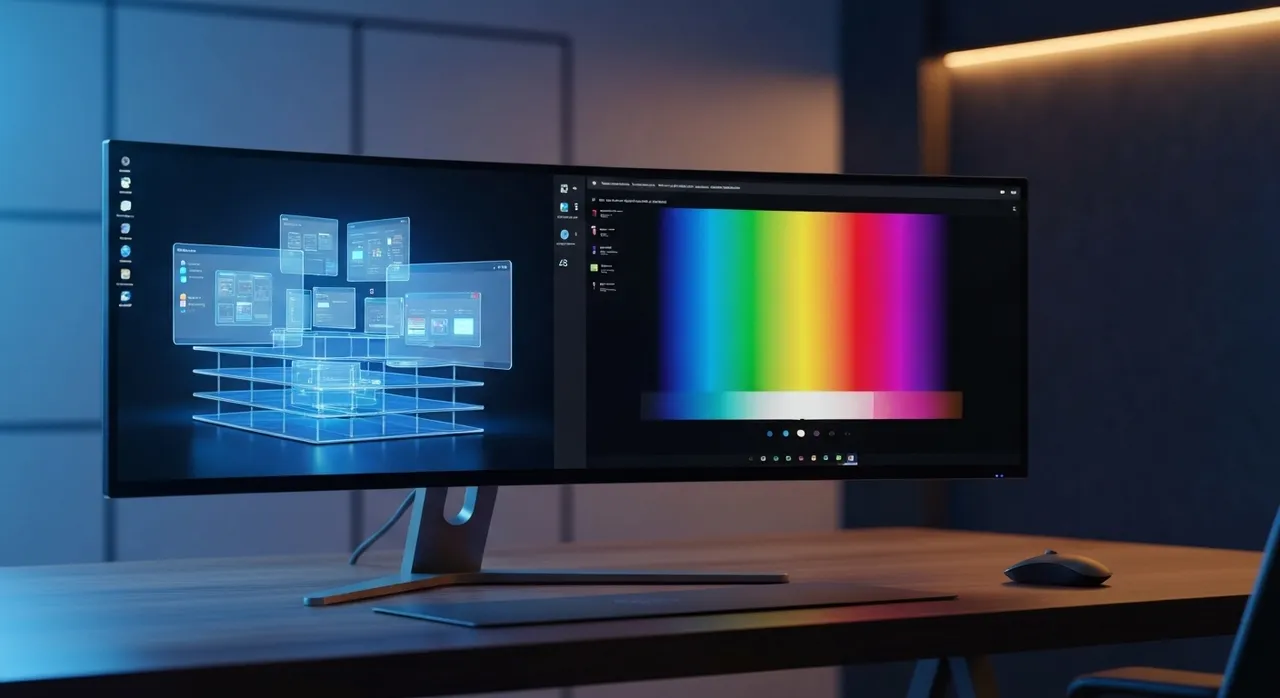
Visual fidelity receives a major upgrade in Firefox 153.0 with the arrival of native High Dynamic Range (HDR) video playback for Windows 10 and Windows 11 operating systems. While macOS desktop builds have supported HDR video decoding in Firefox since version 100, Windows builds previously down-sampled wide dynamic range video feeds into Standard Dynamic Range (SDR), resulting in clipped highlight details and compressed color gamuts. The graphics architecture overhaul in 153.0 eliminates this long-standing cross-platform performance gap.
Developed by Mozilla’s graphics engineering team, the new HDR rendering pipeline interfaces directly with Windows Direct3D hardware acceleration subsystems. Key technical capabilities of the new graphics stack include:
- Wide Gamut Color Spaces: Full native support for BT.2100 HLG (Hybrid Log-Gamma) and BT.2100 PQ (Perceptual Quantizer / HDR10) transfer functions, allowing high-bit-depth streams on platforms like YouTube to render with authentic contrast and peak luminance.
- Direct Hardware Acceleration: Optimized pipeline paths for dedicated AMD Radeon and NVIDIA GeForce discrete graphics processing units driving active HDR-capable display monitors.
- Vulkan Video Backends: Initial backend groundwork for cross-vendor Vulkan Video decoding, positioning Firefox for efficient, low-overhead hardware video decoding across Linux and desktop platform targets.
Users should take note of specific hardware configuration requirements: HDR playback requires enabling display-level HDR within Windows Settings (`Settings > System > Display`). Laptop panels limited strictly to Windows’ software-level “HDR video streaming” toggle (rather than full display HDR mode) are currently bypassed to prevent color distortion. Furthermore, Mozilla has announced plans for display-aware tonemapping controls in upcoming minor updates to refine rendering across monitors with variable peak brightness capabilities.
Integrated Productivity: Advanced PDF Manipulation Suite
Firefox’s embedded PDF engine (PDF.js) continues its transition from a passive web document viewer into a versatile document assembly platform. In Firefox 153.0, Mozilla addresses frequent remote work and enterprise workflows by adding native document merging and page insertion tools directly into the browser sidebar.
Users can perform complex document modifications directly in the active viewport without exposing sensitive paperwork to external web conversion tools or installing heavy native desktop software:
- Drag-and-Drop Document Merging: Opening the PDF sidebar viewer now enables drag-and-drop document merging. Users can drag external PDF files directly into the sidebar list, where the engine instantly appends page trees into a unified document structure ready for export.
- Image Asset Page Insertion: The PDF editor toolbar now features an image import control, allowing users to insert local raster image formats (such as JPEG or PNG) as new, full-fledged pages within existing PDF files.
- Zero-Knowledge Local Processing: Document compilation and canvas rendering occur entirely in-memory within the local browser process, guaranteeing complete data privacy with zero external server interactions.
Developer-Centric Innovations: “Local Mode” and Platform APIs
Web developers gain valuable offline testing utilities in Firefox 153.0, headed by the introduction of developer Local Mode. This addition simplifies local API prototyping and offline web application debugging.
Traditionally, testing modern web browser APIs—including Service Workers, Web Cryptography, Dynamic Module Imports, and Origin Isolation headers—required running a local HTTP web server (such as Node.js or Python’s HTTP server module) due to strict security origin boundaries enforced on local filesystem paths (`file://`). With Local Mode, developers can mount local project directories via custom, isolated local origins. This grants local directory files secure-context status equivalent to `https://` or `localhost`, allowing engineers to test offline APIs without configuring mock HTTP servers.
Beyond Local Mode, Firefox 153.0 introduces several key platform and web standards enhancements:
- JavaScript Compilation In-Memory Caching: Building on performance work from recent releases, the JavaScript engine maintains an in-memory bytecode compilation cache shared across same-domain navigations, accelerating subpage execution times during browsing sessions.
- WebExtension PublicSuffix API: Add-on developers can now query the browser’s built-in Public Suffix List via the `publicSuffix` extension API, allowing add-ons to parse top-level domain boundaries (eTLD+1) natively without embedding heavy third-party domain libraries.
- Scrollbar Pseudo-Element Compatibility: Added support for non-standard `::-webkit-scrollbar` styling rules, improving visual compatibility for legacy websites built primarily for Chromium-based browsers.
- HTTP Compression Dictionaries: Progressive enablement of dictionary-based HTTP compression, dramatically reducing network transport overhead and asset load times for returning visitors on supported web hosts.
Hardened Security Defaults and Local Network Guardrails
Security architecture receives substantial hardening in Firefox 153.0, extending defense-in-depth mechanisms across local network interfaces and hardware telemetry controls.
A major security enhancement is the default activation of Local Network Access Restrictions. Malicious public websites have increasingly targeted local network interfaces to execute cross-site request forgery (CSRF) attacks against private IP ranges (such as `192.168.x.x` or `10.x.x.x`), seeking out unpatched IoT hardware, local router management panels, and development servers. In 153.0, any public web origin attempting to initiate fetch requests to local network addresses or internal host services must explicitly trigger a prompt for user consent, effectively closing the internal network attack surface.
Additionally, Firefox 153.0 upgrades visual indicators for real-time hardware telemetry. Whenever a website accesses device geolocation data via the Geolocation API, a high-contrast red location icon lights up in the address bar. This indicator remains visible even on search engine results pages where location privileges were previously obscured. Coupled with critical security patches addressing low-level memory safety vulnerabilities in WebGPU and graphics processing modules, Firefox 153.0 establishes a premier standard for user-centric privacy, web performance, and browser security.
Written by
TempMail Ninja
Digital privacy and online security expert. Passionate about creating tools that protect users' identity on the internet.