Gemini for macOS: Google Launches Native AI with Window Sharing
Article Content
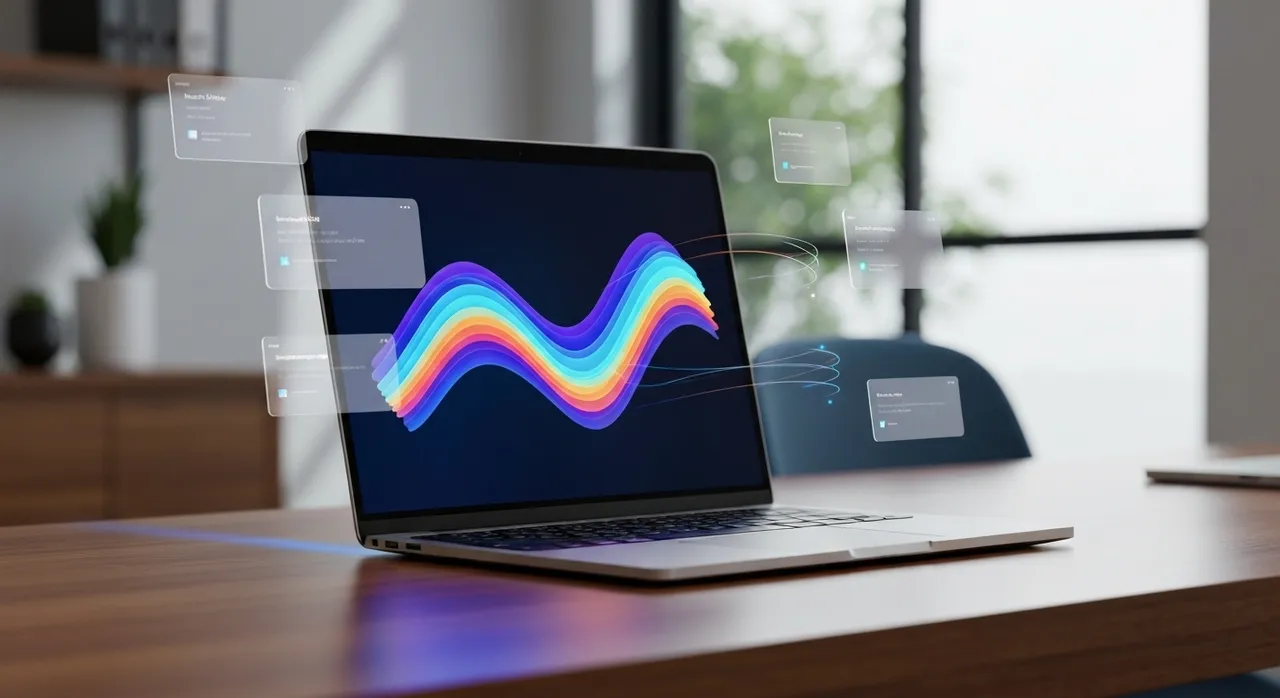
The boundary between the operating system and artificial intelligence has officially dissolved. On April 19, 2026, Google announced the launch of its native Gemini for macOS application, a release that shifts the AI assistant from a browser-isolated tool into a persistent, system-level intelligence layer. While competitors like OpenAI and Anthropic have maintained desktop presences for nearly two years, Google’s entry is fundamentally different due to its “Window Sharing” architecture—a real-time visual processing engine that allows the model to interpret anything displayed on the user’s screen with unprecedented granularity.
For power users, developers, and creative professionals, this is more than a convenience; it is a structural change in how human-computer interaction is choreographed. By integrating the Gemini for macOS app directly into the Apple Silicon architecture (M1 through M4 and beyond), Google has optimized latency and multimodal throughput, enabling features like the Nano Banana 2 image engine and Veo 3.1 video generation to function as native extensions of the macOS workflow rather than clunky cloud-based plugins.
The Technical Architecture of Gemini for macOS
Unlike its predecessor—the web-based Gemini—the native Gemini for macOS app is built to leverage Apple’s Metal API and the Neural Engine found in M-series chips. This local optimization allows the app to handle high-bandwidth data streams, such as live screen buffers, without the thermal throttling or lag typically associated with high-token-count browser sessions. The application requires macOS 15 (Sequoia) or later, ensuring that it can hook into the latest system-level privacy and accessibility frameworks.
One of the most significant technical hurdles Google overcame is the “Screen visibility” latency. To provide real-time summaries of an IDE or a complex spreadsheet, Gemini must perform rapid “pixel-to-token” conversion. This process involves:
- Visual Encoding: Capturing the active window’s buffer through macOS’s Screen Recording and Accessibility APIs.
- Multimodal Processing: Feeding that visual data into Gemini 3.1 Flash, which handles up to 131,072 input tokens, allowing it to “read” an entire codebase across multiple open windows.
- Contextual Awareness: Correlating on-screen text with metadata from the filesystem and Google’s own cloud-based knowledge graph.
Users summon this power through a refined keyboard shortcut system. Option + Space launches a “Mini Chat” or “Spotlight-style” bar for quick, context-aware queries, while Option + Shift + Space expands the interface into a full workspace environment.
Real-Time Window Sharing: The Core Innovation
The “Window Sharing” feature is the centerpiece of Gemini for macOS. In earlier iterations, users had to manually upload screenshots or files. Now, by clicking the “+” icon and selecting “Share Window,” users grant Gemini temporary vision into a specific application. This is particularly transformative for several professional verticals:
1. Software Engineering: A developer can share their IDE window (e.g., VS Code or Xcode). Gemini can then review code logic in real time, identify bugs as they are written, or suggest optimizations based on the specific libraries visible on the screen. Because it “sees” the UI, it can even debug CSS issues by looking at the rendered output alongside the code.
2. Financial and Data Analysis: Analysts working in local Excel files or proprietary software can use Gemini to summarize trends or perform complex calculations without the need to export data into a web-based chat. The AI interprets charts, tables, and raw data directly from the active window.
3. Content Creation: By sharing a web browser window, researchers can ask Gemini to synthesize information from multiple open tabs, cross-reference sources, and build a cohesive narrative in a sidecar window—all while the AI maintains an “eye” on the source material to ensure accuracy.
Nano Banana 2 and Veo 3.1: Desktop Creativity Reimagined
The Gemini for macOS app isn’t limited to text and data. Google has integrated its flagship creative models directly into the sidebar, effectively turning the desktop into a generative studio. The inclusion of Nano Banana 2—a Gemini 3.1 Flash-based image model—marks a significant leap in desktop image generation. This model is capable of outputting 4K resolution visuals with a focus on “subject consistency.”
Technical specifications for Nano Banana 2 within the macOS app include:
- Character Consistency: The ability to maintain up to five distinct characters across a series of generated images, crucial for storyboarding.
- In-Image Text Rendering: Precise, legible text generation in multiple languages, powered by the model’s advanced reasoning capabilities.
- Reference Integration: Users can drag-and-drop up to 14 reference images from their Mac’s Finder directly into the prompt to guide style and composition.
Complementing the image engine is Veo 3.1, Google’s most advanced video generation model to date. Integrated into the “Create Video” tool within the Gemini for macOS interface, Veo 3.1 allows users to generate 8-second clips at 720p or 1080p resolution. Notably, version 3.1 includes synchronized audio generation—a feature that uses spatial audio cues to match the visual action. For a marketing professional, this means moving from a text prompt to a social-media-ready video with sound, all without leaving the desktop environment.
Tiered Access and Subscription Models
To support the massive compute requirements of Gemini for macOS, Google has introduced a tiered subscription model. While the base app is free to download, advanced features like high-volume video generation and the use of the 1.2 trillion-parameter “Ultra” model are gated behind monthly plans:
- AI Plus ($7.99/mo): Basic access to Nano Banana 2 and increased usage limits for the Flash model.
- AI Pro ($19.99/mo): Access to Veo 3.1, 2K/4K image upscaling, and deep integration with Google Workspace for Desktop.
- AI Ultra ($249.99/mo): Designed for enterprise and professional studios, offering the highest token priority, 4K video rendering, and unrestricted “Window Sharing” across the entire system.
The Privacy and Security Paradigm
The release of Gemini for macOS has ignited a fierce debate regarding privacy. An AI that can “see” your screen is inherently a security risk if not managed with extreme rigor. Google has addressed these concerns by implementing a “Summon-Only” visibility protocol. The app cannot capture or process screen data unless the user explicitly initiates a “Share Window” session for a specific application. Furthermore, Google has clarified that screen data processed during these sessions is not used for training their global models, a critical concession for corporate clients concerned about intellectual property leaks.
From a technical standpoint, Google utilizes Trusted Execution Environments (TEEs) and Apple’s own Private Cloud Compute where possible to ensure that data in transit is encrypted and that processing is ephemeral. However, the app requires two sensitive macOS permissions to function fully:
- Screen Recording: Necessary for the visual “Window Sharing” feature to capture the buffer.
- Accessibility: Required for Gemini to interact with browser DOMs or text layers in non-visual ways, such as reading full-page content that might be scrolled out of view.
For the security-conscious, these permissions can be toggled off at any time in System Settings > Privacy & Security, though doing so limits Gemini to a standard text-and-file-based chatbot experience.
Competitive Landscape: Gemini vs. Apple Intelligence
The timing of the Gemini for macOS release is strategic. It arrives just as Apple is scaling its “Apple Intelligence” across the ecosystem. While Apple Intelligence has the advantage of being “baked into” the OS—managing notifications and performing local-first tasks like rewriting emails—it is currently more limited in its multimodal depth compared to Gemini.
Google’s strategy is to position Gemini as the “Pro” layer for the Mac. While Siri might help you find a file or summarize a text message, Gemini is designed to help you build a website, analyze a 50-page PDF, and generate a cinematic video trailer simultaneously. The “Window Sharing” feature bridges the gap that Apple’s walled garden often creates, allowing a Google-powered brain to operate on top of Apple-designed hardware.
Potential Friction Points
Despite the high-impact launch, the Gemini for macOS app faces several challenges. First is the “double-shortcut” problem; many users already have Command + Space muscle memory for Spotlight. Google’s use of Option + Space creates a secondary search tier that may confuse average users. Additionally, the requirement for Apple Silicon means that millions of legacy Intel-based Mac users are locked out of this new AI frontier, potentially fragmenting the user base.
Conclusion: The Future of Desktop Intelligence
The launch of Gemini for macOS represents a pivotal moment in the evolution of personal computing. We are moving away from the era of “Applications” and into the era of “Contextual Layers.” By giving Gemini the ability to “see” and “think” alongside the user, Google has provided a glimpse into a future where the operating system is no longer just a file manager, but a collaborative partner.
As Gemini for macOS continues to receive updates in the coming months, expect deeper integration with the macOS filesystem and perhaps even “Agentic” capabilities, where Gemini could eventually perform tasks—not just analyze them. For now, the introduction of real-time Window Sharing and the powerful Nano Banana 2 and Veo 3.1 models makes Gemini an essential tool for any Mac user looking to maximize their digital productivity in 2026.
Written by
TempMail Ninja
Digital privacy and online security expert. Passionate about creating tools that protect users' identity on the internet.