Home Assistant 2026.7: New Automation Editor and Activity Timeline
Article Content
The landscape of local, privacy-focused home automation has achieved a major milestone with the official launch of Home Assistant 2026.7. Released on July 1, 2026, this highly anticipated quality-of-life upgrade represents a profound philosophical pivot for the open-source platform. Over the years, Home Assistant has earned a reputation for being remarkably powerful but notoriously steep in its learning curve. This month’s release directly addresses that paradox. By fundamentally overhauling how users design automations, visualize historical data, and manage software updates, the development team has transitioned the platform from a specialized developer tool into an elegant, human-centric operating system for the modern home. For both veterans and beginners, Home Assistant 2026.7 is less about adapting to the rigid internals of a smart hub and more about expressing intent in natural, logical terms.
Designing Automations with Intent in Home Assistant 2026.7
In previous versions of the platform, constructing even basic automations required users to understand the underlying technical architecture of their smart home. If you wanted a motion sensor to turn on a light, you had to manually track arbitrary entity IDs, specify exact state strings (such as “on” versus “detected”), and occasionally extract variables from complex state attributes. This steep learning curve frequently forced newcomers to seek external guides or write extensive YAML code just to execute basic routines.
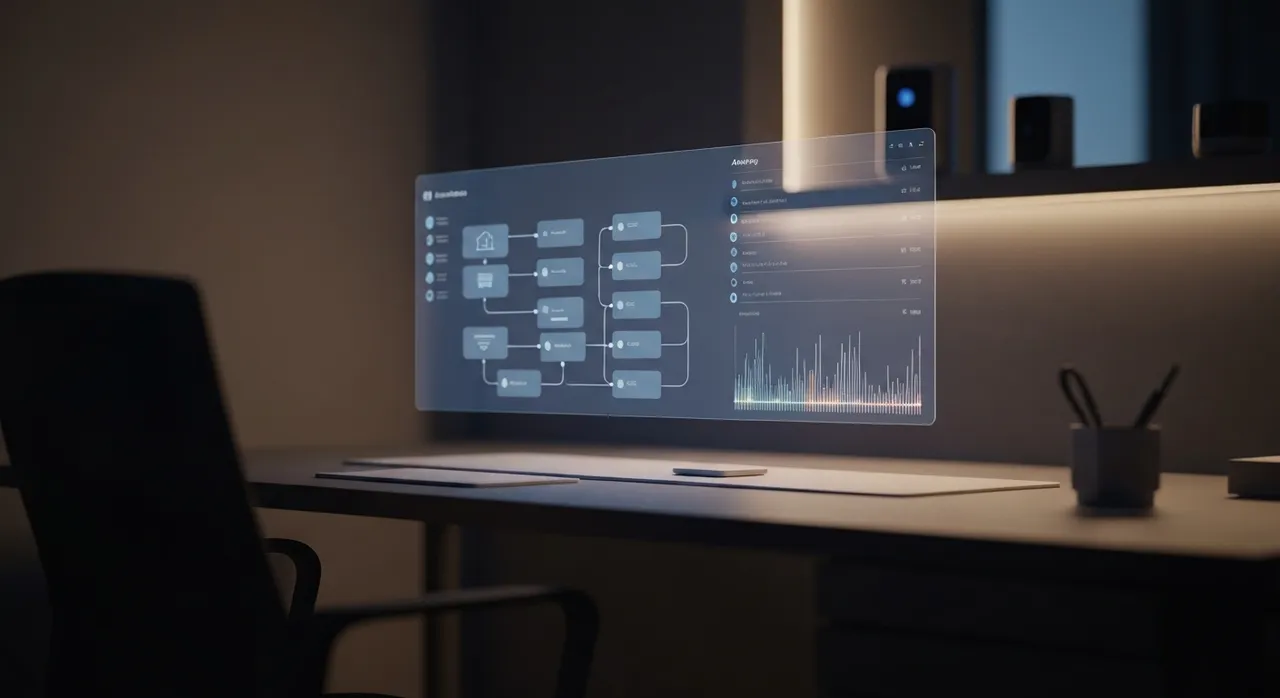
With the launch of Home Assistant 2026.7, the newly rebuilt Automation Editor officially graduates from its experimental “Labs” status to become the default interface for all users. This redesigned tool introduces purpose-specific triggers and conditions that shift the user’s focus from “how the system works under the hood” to “what the home should actually do”. Instead of mapping individual device states, the new engine operates around human-centric concepts:
- Area-Based Controls: Rather than selecting a specific sensor entity, you can search for “Motion” and assign it to an entire area, such as the office. Home Assistant dynamically monitors all motion-sensing hardware in that space, eliminating the need to update automations when adding or replacing hardware.
- Natural-Logic Conditions: Setting up conditional logic is now highly intuitive. For instance, you can search for “Sun,” select “Sun is set,” and the interface instantly provides a live visual status indicator (a green checkmark for active conditions and an orange cross for inactive ones) showing whether that condition is currently met.
- Intuitively Structured Actions: To turn on all the lights in a room, you simply choose “Turn on light” and pick the designated room area, bypassing the tedious process of listing dozens of individual bulb entities.
Crucially, the update preserves absolute backward compatibility. Legacy automations continue to run seamlessly without interruption, ensuring that complex existing setups remain completely unaffected. Furthermore, the development team has emphasized that “user experience is not a synonym for the UI”. Power users who prefer coding in YAML are treated to an optimized editing environment that retains full granular control. To support this massive transition, the Open Home Foundation has written exhaustive, complete documentation for every single trigger, condition, and action, complete with illustrative YAML and UI examples.
Visualizing Your Smart Home’s Narrative: The Rebuilt Activity Timeline
Tracing why a smart device behaved unexpectedly has long been an exercise in parsing cryptic database records. The traditional Logbook has been completely dismantled and reimagined as
Written by
TempMail Ninja
Digital privacy and online security expert. Passionate about creating tools that protect users' identity on the internet.