Microsoft Teams Impersonation: New Cross-Tenant Helpdesk Campaign
Article Content
The enterprise security perimeter is no longer defined solely by the firewall or the email gateway. As of April 2026, the battleground has shifted to the very tools that enable modern productivity. A landmark report published by the Microsoft Defender Security Research Team on April 18, 2026, has exposed a sophisticated, human-operated intrusion playbook that weaponizes Microsoft Teams Impersonation to bypass traditional defenses. This campaign, characterized by its high-touch social engineering and technical precision, demonstrates how attackers are exploiting the inherent trust users place in collaboration platforms to facilitate full-scale data exfiltration.
The New Front Door: Why Microsoft Teams Impersonation Succeeds
For decades, phishing was synonymous with email. However, as secure email gateways (SEGs) have become increasingly adept at filtering malicious links and attachments, threat actors have sought “quieter” channels. Microsoft Teams, with its default “External Access” configurations, has emerged as the ideal candidate. The current campaign leverages a “cross-tenant” communication model, allowing an attacker to initiate a 1:1 chat with a target employee from a separate, often freshly minted, Microsoft Entra ID tenant.
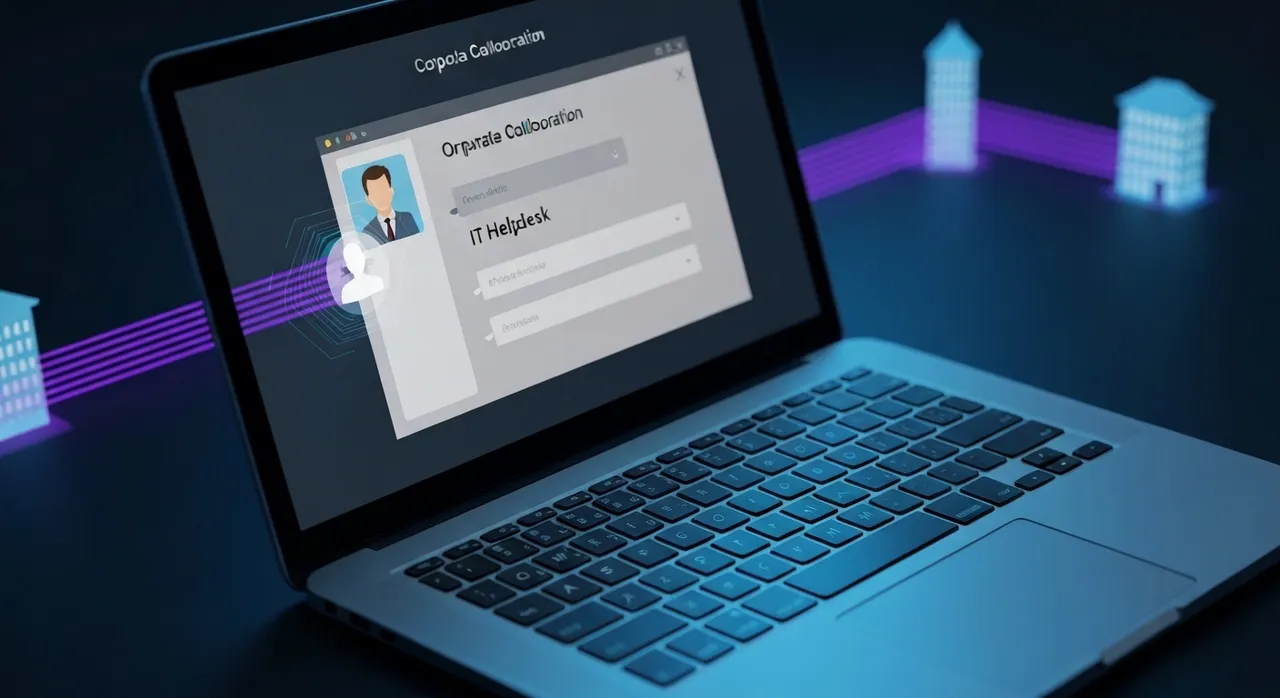
The psychological edge of Microsoft Teams Impersonation cannot be overstated. Unlike email, which is often viewed with skepticism, a Teams message feels like an “internal” communication. Attackers exploit this by spoofing tenant names to resemble corporate IT departments—utilizing deceptive naming conventions like “IT Support Helpdesk” or “Security Compliance Team.” By the time the user receives the message, the “External” label—often the only visual indicator of risk—is frequently ignored or bypassed through clever display name manipulation, such as the inclusion of emojis (e.g., a green checkmark ✅) or trailing spaces that push the warning off-screen in some interface views.
The Anatomy of “First Contact” and the Spam Flood Pretext
Security researchers have noted that these intrusions rarely happen in a vacuum. The attack chain often begins with a coordinated “spam flood” or “email bombing” directed at the victim’s inbox. This creates a state of digital distress, making the employee more receptive to a timely message from “IT Support” offering to help resolve the issue. This human-operated approach ensures that the Microsoft Teams Impersonation feels like a proactive security response rather than a random solicitation.
- Tenant Age: Attackers often use tenants created less than 7 days prior to the attack to evade reputation-based filters.
- Vishing Integration: In some instances, the threat actor will escalate from a chat to a Teams voice call, further cementing the illusion of legitimacy through real-time verbal interaction.
- Target Selection: The campaign specifically targets users with elevated system access or those within finance and HR departments who handle sensitive documentation.
Technical Breakdown: From Social Engineering to Interactive Access
Once the initial rapport is established, the attacker moves to the “Remote Assistance” phase. This is the critical pivot point where social engineering translates into technical control. The actor convinces the victim to initiate a remote support session using legitimate, built-in Windows utilities like Quick Assist (QuickAssist.exe) or third-party tools such as AnyDesk or DWAgent.
By using Quick Assist, the attacker stays “below the radar” of many endpoint detection and response (EDR) solutions. Because the tool is a signed, native component of Windows, its execution is rarely blocked. The victim is guided to enter a code provided by the “support agent,” granting the attacker full interactive desktop control. From this point, the threat actor no longer needs to rely on the user; they have the “keyboard” and can begin the technical phase of the compromise.
DLL Sideloading and Context Recovery
With interactive access secured, the attacker’s primary goal is to maintain persistence without triggering security alerts. The Microsoft Defender report highlights the use of DLL sideloading as a primary execution tactic. Attackers deploy legitimate, vendor-signed binaries (often masquerading as Microsoft Teams components or services like CrossDeviceService) alongside a malicious Dynamic Link Library (DLL) placed in the same directory.
When the legitimate application is executed, it automatically loads the malicious DLL, allowing the attacker’s code to run within the memory space of a trusted process. This technique is particularly effective at bypassing application whitelisting and traditional antivirus signatures, as the primary process remains a “safe” binary. This allows the attacker to recover execution context even if the initial remote session is terminated, ensuring long-term access to the host.
Lateral Movement: Navigating the Enterprise Via WinRM
The intrusion does not stop at the compromised endpoint. The ultimate objective is often the “crown jewels” of the organization—domain controllers, database servers, and cloud administrative portals. To navigate the network, the 2026 campaign relies heavily on Windows Remote Management (WinRM) and standard administrative protocols. By leveraging the credentials harvested from the initial victim, or by extracting tokens from memory (LSASS), the actor can pivot laterally across the domain.
The use of WinRM is a deliberate choice. In many enterprise environments, WinRM is enabled for legitimate IT management, meaning the attacker’s movement blends seamlessly with routine administrative activity. This “living off the land” (LotL) strategy makes it extremely difficult for Security Operations Centers (SOCs) to distinguish between a malicious actor and an authorized sysadmin performing maintenance. The researchers noted that in several cases, the attackers successfully reached domain-level infrastructure within hours of the initial Teams contact.
The Objective: Data Exfiltration and the Rclone Toolkit
The primary driver of this Microsoft Teams Impersonation campaign is high-value data exfiltration. Unlike ransomware groups that seek immediate disruption, these human-operated actors are focused on the quiet theft of sensitive intellectual property and business-critical data. Once they have identified the relevant file shares or cloud repositories, they deploy Rclone, an open-source command-line program used to manage files on cloud storage.
Rclone is preferred by sophisticated actors because it supports over 40 different cloud storage providers (including Mega, Dropbox, and Amazon S3) and offers robust encryption and transfer capabilities. The attackers stage the stolen data in hidden directories on the local machine before using Rclone to move the data out of the network. Because Rclone traffic often mimics legitimate cloud backup or sync activity, it frequently bypasses egress monitoring and data loss prevention (DLP) triggers.
- Discovery: Using built-in Windows commands (e.g.,
net view,dir /s) to find sensitive documents. - Staging: Compressing and encrypting files into
.zipor.7zarchives to minimize the footprint. - Exfiltration: Using Rclone with custom configuration files to send data to attacker-controlled cloud infrastructure.
Hardening the Perimeter: Defensive Countermeasures for 2026
To defend against Microsoft Teams Impersonation, organizations must move beyond a reactive posture. The Microsoft Defender Security Research Team emphasizes that technical controls must be paired with aggressive employee training. The first line of defense is the External Access policy within the Teams Admin Center.
Restricting External Communication
By default, many Microsoft 365 tenants allow communication with any external Teams user. Security leaders should consider adopting a “Managed Allow List” model, where only verified partner domains are permitted to initiate chats. If a broad open-access policy is required for business operations, administrators should at least disable “External Access” for high-risk users who do not have a legitimate need for cross-tenant collaboration.
Deploying Anomaly Reporting
Microsoft has recently introduced the External Domains Anomalies Report (Roadmap ID 536572), which utilizes behavioral analysis to flag suspicious patterns. This tool can identify:
- Sudden spikes in communication with previously unseen external domains.
- First-time 1:1 chat creations initiated by external tenants.
- Unusual bursts of group chat invitations from unmanaged accounts.
SOC teams should integrate these alerts into their primary monitoring dashboards to catch the “Pretexting” phase of the attack before the remote session is ever established.
Technical Controls and Predictive Shielding
Beyond Teams-specific settings, Predictive Shielding—a feature of Microsoft Defender XDR—offers a critical safety net. Predictive Shielding identifies accounts that are likely to have been exposed based on endpoint telemetry and automatically applies containment measures, such as requiring MFA for every action or restricting lateral movement paths, even before a full incident is declared. Furthermore, organizations should audit the use of Quick Assist and other RMM tools, disabling them via Group Policy or Intune if they are not strictly necessary for the user’s role.
Conclusion: The Future of Trust in a Hybrid World
The 2026 Microsoft Teams Impersonation campaign is a stark reminder that the tools of collaboration are also the tools of compromise. As attackers continue to refine their human-operated playbooks, the distinction between a “helpful colleague” and a “malicious actor” will continue to blur. Success in this new landscape requires a Zero Trust approach to communication: never trust a message based on its platform, always verify the identity of the sender through secondary channels, and strictly limit the technical permissions granted to “helpdesk” requests.
By enforcing rigorous external access policies, leveraging advanced anomaly detection, and fostering a culture of healthy skepticism, enterprises can reclaim the security of their collaboration space and ensure that Microsoft Teams remains a portal for productivity rather than a gateway for intrusion.
Written by
TempMail Ninja
Digital privacy and online security expert. Passionate about creating tools that protect users' identity on the internet.