Virtual OS Museum: A Comprehensive Guide to the Retrocomputing Archive
Article Content
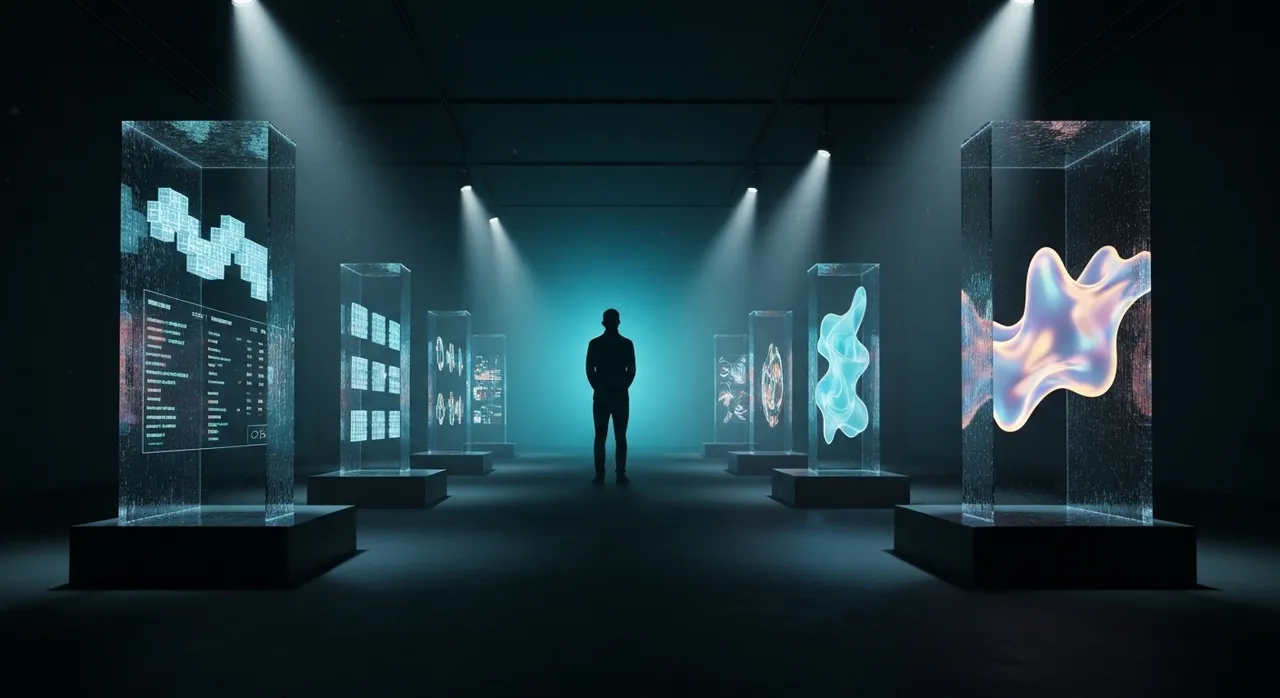
p>On May 28, 2026, the digital preservation and retrocomputing landscapes experienced a watershed moment. Spotlighted by retrotech publications and major mainstream outlets alike, developer and operating system historian Andrew Warkentin unveiled the Virtual OS Museum—a monumental, interactive digital archive. This project is not merely a static collection of screenshots or historical essays; it is a fully functioning, plug-and-play preservation powerhouse containing over 1,700 individual operating system installations spanning 250 hardware platforms and roughly 570 to 600 distinct operating systems. For tech enthusiasts, computing historians, and software archaeologists, this release represents one of the most significant achievements in the history of internet curation, making decades of computational heritage instantly bootable on modern personal computers.
The Architecture of the Virtual OS Museum: How It Works Under the Hood
Historically, experiencing vintage or esoteric operating systems has required a high level of technical mastery. Users had to track down elusive floppy or magnetic tape images, compile specific, outdated emulators, and spend hours troubleshooting hardware configuration files. The Virtual OS Museum completely bypasses these barriers by wrapping the entire archive into a pre-configured, self-contained Linux virtual machine (VM). Designed to run seamlessly on top of modern hypervisors, it supports:
- QEMU: The highly versatile, open-source machine emulator and virtualizer.
- VirtualBox: Oracle’s popular cross-platform virtualization software.
- UTM: The preferred virtualization interface for macOS and iOS, leveraging Apple’s native Hypervisor.framework.
To ensure absolute accessibility, Warkentin has bundled native hypervisor installers and one-click launch scripts for Windows, macOS, and Linux. The host Linux VM automatically boots into a clean, modern desktop environment and logs in as a default user. From there, a custom-designed, emulator-independent graphical launcher presents an organized directory of computing history, allowing users to launch any guest operating system with a single click.
Recognizing the massive storage requirements of such an extensive catalog, the archive is distributed in two distinct formats:
- The Full Edition: A massive 121 GB compressed download (expanding to 174 GB uncompressed) delivered via torrent or direct download from the Internet Archive. This version contains every single guest operating system image pre-installed, permitting complete offline exploration.
- The Lite Edition: A highly optimized 14 GB compressed download (expanding to 21 GB uncompressed). This edition boots the core Linux host VM but does not pre-include the disk or tape images of the guest systems. Instead, the custom launcher dynamically downloads the required image files from a secure central repository the very first time a user attempts to run a specific exhibit.
Both versions support manual or automatic updates, allowing users to grab new packages, installations, and emulator bug fixes without re-downloading the base VM.
Defying Decay: Overcoming the Technical Hurdles of Operating System Preservation
Software preservation is notoriously plagued by physical media decay, but operating system preservation introduces an entirely different dimension of difficulty. Unlike game preservation, operating systems are deeply tied to non-standard legacy hardware configurations. Overcoming these hurdles required decades of technical effort, resolving key system challenges:
1. Emulator Regressions
Emulators constantly update, but updates frequently introduce regressions. An old OS that ran perfectly on QEMU 4.0 might crash on QEMU 8.0 due to subtle register changes or legacy timing assumptions. Warkentin resolved this issue by bundling specific, tested, and sometimes custom-patched emulator binaries directly inside the host VM. This ensures that each vintage OS runs under the exact emulator version optimized for its quirky behavior.
2. The Nightmare of Manual Installation
Installing legacy enterprise software traditionally requires mounting magnetic tape images, formatting virtual mainframe disks, and patching legacy code. The Virtual OS Museum eliminates this barrier by providing pre-installed, fully configured guest environments. Users do not need to read 500-page systems-administration manuals from the 1970s just to boot the system; they simply click “Launch” and are greeted by functional environments.
3. Vulnerability to Corruption
Vintage operating systems lack modern memory shielding or file-system protections, meaning a bad command or crash can permanently corrupt a virtual disk. To make exploration risk-free, the museum’s custom launcher integrates a robust snapshot and rollback capability. If a user breaks an installation, they can instantly revert the system back to its pristine “known-good” working state with a single click.
Inside the Exhibits: Eight Decades of Digital Heritage
The Virtual OS Museum is structured as a series of chronological and thematic “exhibits” that chart the evolution of software design, human-computer interaction, and system architecture. The following list showcases the scope and diversity of the historical treasures preserved within this archive:
- The Dawn of Computing (1940s–1950s): Featuring software for the 1948 Manchester Baby—the world’s first stored-program computer. It also houses early EDSAC software and the historic Mark 1 Scheme A/B/C/T, which represents the earliest precursor to system software.
- Mainframes & Minicomputers: Includes MIT’s legendary CTSS (Compatible Time-Sharing System), the direct ancestor of modern interactive operating systems, and its successor, Multics. It also features IBM’s MVS and VM/370, alongside DEC’s TOPS-10, TOPS-20, ITS, RSX, and RSTS.
- Workstations & Early Unix: Showcasing Silicon Graphics’ IRIX, Sun Microsystems’ SunOS, DEC’s OSF/1, Apple’s rare Unix variant A/UX, and Steve Jobs’ NeXTSTEP (the foundation of modern macOS). It also features Bell Labs’ experimental Plan 9 and classic Linux distributions across the decades.
- The GUI & Personal Computing: Tracing the desktop metaphor from the 1981 Xerox Star (running Pilot/ViewPoint) to early Windows builds (Windows 1.0 to early “Longhorn” betas), classic Mac OS through OS X 10.5 PPC, OS/2, BeOS, and nostalgic systems like CP/M, Commodore 8-bit, Atari, MSX, ZX Spectrum, and BBC Micro. Note that Windows Vista did not make the cut!
- Mobile & Embedded Systems: Preserving early portable environments including PalmOS, Apple’s Newton OS, Symbian/EPOC, Windows CE, QNX, and early versions of Android and iOS where architecture permits.
- Academic & Niche: Obscure software architectures including ZetaLisp, early Xerox Smalltalk environments, Niklaus Wirth’s Oberon, and emulated Texas Instruments graphing calculators.
The Architect Behind the Archive: Andrew Warkentin
The Virtual OS Museum is the culmination of over two decades of solitary work by Andrew Warkentin. His journey began in 2003 after transitioning from Windows to Linux. Fascinated by emulation, he collected legacy software images at a time when centralized retro archives were virtually non-existent. Over the next 23 years, his hobby evolved into a structured mission to preserve computing’s digital history.
Beyond software archaeology, Warkentin is the founder of UX/RT, an open-source real-time operating system (RTOS) in the style of QNX and Plan 9. Built around a forked seL4 microkernel, UX/RT extends the ‘everything is a file’ paradigm. Warkentin’s deep familiarity with kernel architecture, inter-process communication, and VFS layers is precisely what enabled him to engineer the custom launcher, script frameworks, and snapshot systems that make the museum so robust.
A Monumental Leap for Internet Archaeology and Digital Culture
Traditional physical museums face insurmountable challenges when presenting computing history. A physical PDP-11 or Xerox Star can sit behind glass, but a static hardware chassis does not allow visitors to feel the responsive click of its interface, run its compiling tools, or experience how it managed system resources. Traditional museums are also vulnerable to hardware component failure, making the preservation of functional vintage hardware an increasingly expensive battle against time.
By virtualizing this heritage, the Virtual OS Museum democratizes digital history. It provides an immediate, risk-free sandbox for tech historians, computer science students, and retrocomputing enthusiasts to interact directly with the foundational code of our digital culture. Whether you are booting the Manchester Baby to watch the dawn of stored-program execution, or opening Windows 1.0 to witness the birth of mainstream graphical interfaces, Warkentin’s masterpiece is a living, breathing testament to human ingenuity—ensuring that the digital shoulders we stand on today remain accessible to the generations of tomorrow.
Written by
TempMail Ninja
Digital privacy and online security expert. Passionate about creating tools that protect users' identity on the internet.