os8088 Operating System Brings Mac-Style GUI to 1978 IBM PC Hardware
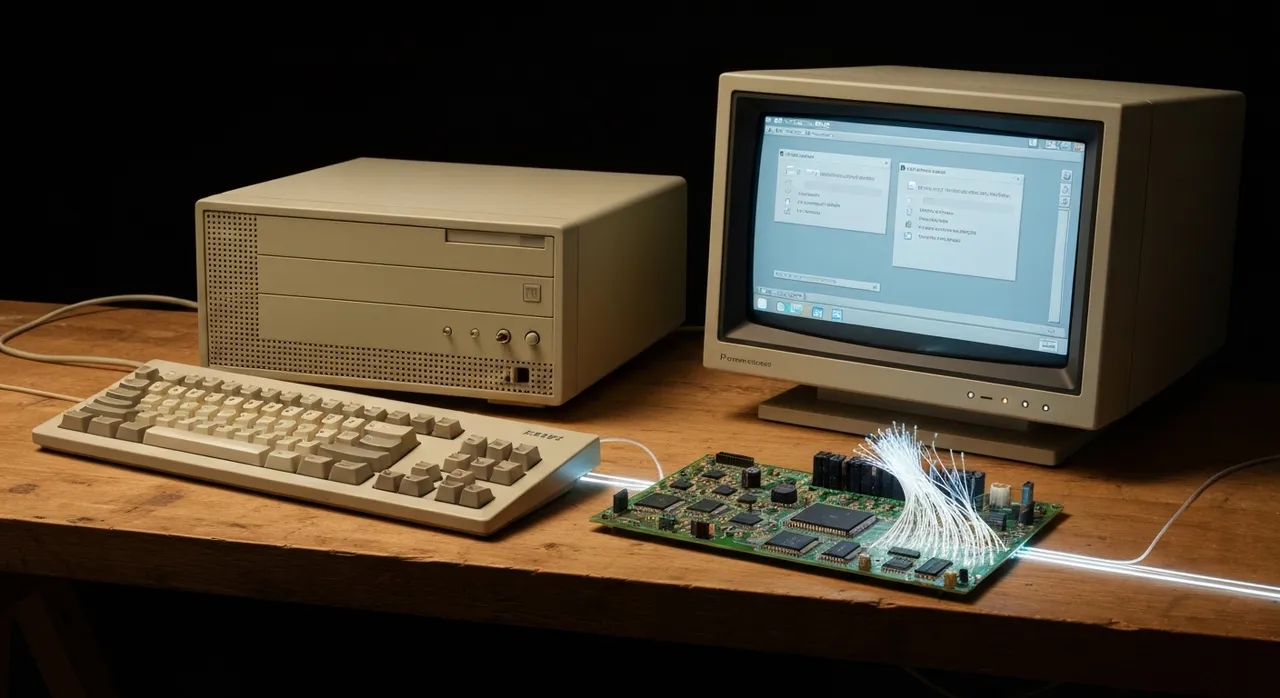
Article Content
In the early 1980s, the personal computing landscape was sharply divided between the functional but sterile world of command-line text interfaces and the emergent promise of graphical computing. When IBM released the original PC 5150 in 1981, powered by the modest 4.77 MHz Intel 8088 processor, users were accustomed to PC-DOS prompts and monochromatic character displays. Few imagined that this primitive silicon could ever drive an interactive, high-resolution desktop environment. Enter developer Jorge Gonzalez (known online as jggonz), whose ambitious retrocomputing project has rewritten historical assumptions. The newly unveiled os8088 operating system delivers a full Macintosh System 1–style graphical user interface (GUI) complete with real-mode preemptive multitasking directly on 1978-era x86 hardware.
Featured prominently across retrocomputing circles and highlighted by Hackaday on August 11, 2026, the os8088 operating system stands out not merely as a graphical shell, but as a complete, bare-metal operating system built entirely from scratch. Booting directly from a single floppy disk image without requiring an underlying MS-DOS installation, os8088 explores a remarkable “what if” scenario in computer history. Beyond its low-level technical feats, the project serves as a landmark demonstration of modern software development workflows, utilizing AI coding agents under human architectural guidance to assemble tens of thousands of lines of real-mode 8086 assembly code.
Inside the os8088 Operating System Architecture
Unlike mid-to-late 1980s desktop environments such as Microsoft Windows 1.0 or Digital Research GEM—which operated as graphical shells running on top of MS-DOS—the os8088 operating system assumes full control of the host machine from the instant of power-on. The boot sequence initiates from a strict 512-byte boot sector on a standard floppy disk. Upon execution, this minimalist bootstrap loader reads a custom 40KB-to-80KB kernel into memory at segment address 0060:0000 and branches directly into system execution.
The operating system completely bypasses conventional MS-DOS interrupt vectors like INT 21h. Instead, os8088 implements a proprietary kernel system call vector interface offering over 110 dedicated calls. These low-level kernel services handle memory allocation, task switching, hardware abstraction, screen redrawing, mouse tracking, and disk I/O directly via BIOS primitives. Applications designed for os8088 utilize a custom executable binary format (distinguished by the .O88 extension) rather than standard MS-DOS .COM or .EXE binary structures.
Key Hardware and Technical Specifications
- Target CPU Architecture: Intel 8088, Intel 8086, or period-accurate clones running at 4.77 MHz up to 12.5 MHz.
- System RAM Footprint: Operates inside 128 KB to 256 KB of conventional real-mode RAM.
- Graphics Display Adaptors: Native support for VGA (640×480 resolution in 16 colors), Hercules Graphics Card (720×348 monochrome), and CGA (640×200 monochrome).
- Storage Compatibility: Boots from 360 KB, 720 KB, or 1.44 MB floppy disk images; mounts FAT12 and FAT16 fixed hard drive partitions.
- Peripheral Input: Supports standard AT/XT keyboards and Microsoft-protocol serial mice connected to COM1.
- Codebase Scale: Approximately 66,000 to 112,000 lines of pure 16-bit real-mode NASM assembly language.
Preemptive Multitasking on Vintage Silicon: Solving the Real-Mode Challenge
The headline engineering breakthrough of os8088 is its implementation of true preemptive multitasking on processors that lack hardware memory protection or protected-mode rings. When Apple launched the original Macintosh in 1984, its Motorola 68000 CPU operated at 7.83 MHz—substantially faster than an IBM PC/XT. However, early Macintosh System software relied exclusively on cooperative multitasking. In a cooperative environment, a application must explicitly yield control back to the event loop using calls like GetNextEvent; if an application froze or entered an infinite loop, the entire desktop halted.
The os8088 operating system bypasses this limitation by leveraging the standard IBM PC Programmable Interval Timer (Intel 8253/8254 PIT) linked to IRQ0. Configured to tick at the conventional x86 interrupt rate of 18.2065 Hz, the timer chip fires an IRQ signal that forces a preemptive context switch regardless of what the foreground application is doing.
Anatomy of the Real-Mode Context Switch
Achieving stable task switching without a Memory Management Unit (MMU) required meticulous register management. The os8088 kernel supports up to 12 active task slots simultaneously. On every 18.2 Hz timer interrupt, the scheduling routine executes a fast context switch sequence:
- Hardware Register Push: The x86 CPU automatically pushes the Flags register, Code Segment (
CS), and Instruction Pointer (IP) onto the active stack. The IRQ0 handler then explicitly saves the nine remaining general-purpose and segment registers (AX,BX,CX,DX,SI,DI,BP,DS,ES). - Stack Pointer Swap: The kernel saves the current task’s Stack Segment and Stack Pointer (
SS:SP) into its entry in the master task table. - Round-Robin Dispatch: The scheduler identifies the next eligible runnable task slot. Each task maintains its own isolated 1,536-byte stack allocated inside the shared memory segment.
- Context Restoration: The kernel loads the saved
SS:SPvalues of the incoming task, restores its register state via sequentialPOPinstructions, and executes anIRETto resume execution.
Because all tasks share one 64 KB real-mode address segment alongside the kernel, context switches avoid hardware page table swapping or TLB cache invalidation overhead. On a modest 4.77 MHz processor, context switching takes only a few dozen clock cycles. This allows os8088 to concurrently run up to a dozen background processes—such as system timers, bouncing graphical demos, music synthesis, and document editing—without visible mouse lag. For purists wishing to experience the original 1984 Macintosh user experience, the system includes a toggle in the Control Panel to switch from preemptive to cooperative multitasking.
Graphics Rendering, Windowing, and Resource Optimization
Executing a high-resolution graphical user interface on early 1980s video hardware requires extreme algorithmic frugality. When driving a VGA display at 640×480 in 16 colors, or a Hercules display at 720×348, system RAM is severely constrained. To minimize memory utilization, os8088 renders UI typography by referencing the host display card’s native 8×8 ROM font matrix rather than loading custom bitmap fonts into RAM.
The desktop environment features overlapping windows, pull-down top menus, desktop file icons, and an active application dock. To maintain high frame rates during window repositioning without consuming massive video memory buffers, os8088 uses highly optimized graphics rendering tricks:
- XOR Wireframe Window Dragging: While a user drags a window across the desktop, the window manager draws a hollow, single-pixel outline using bitwise XOR operations. Because an XOR operation is its own inverse, drawing the outline a second time instantly restores the underlying desktop pixels without needing to store separate background screen buffers.
- Transient Pull-Down Menu Backbuffers: When a user
Written by
TempMail Ninja
Digital privacy and online security expert. Passionate about creating tools that protect users' identity on the internet.