Stolen Buttons Project Turns Web UI Elements into Digital Artifacts
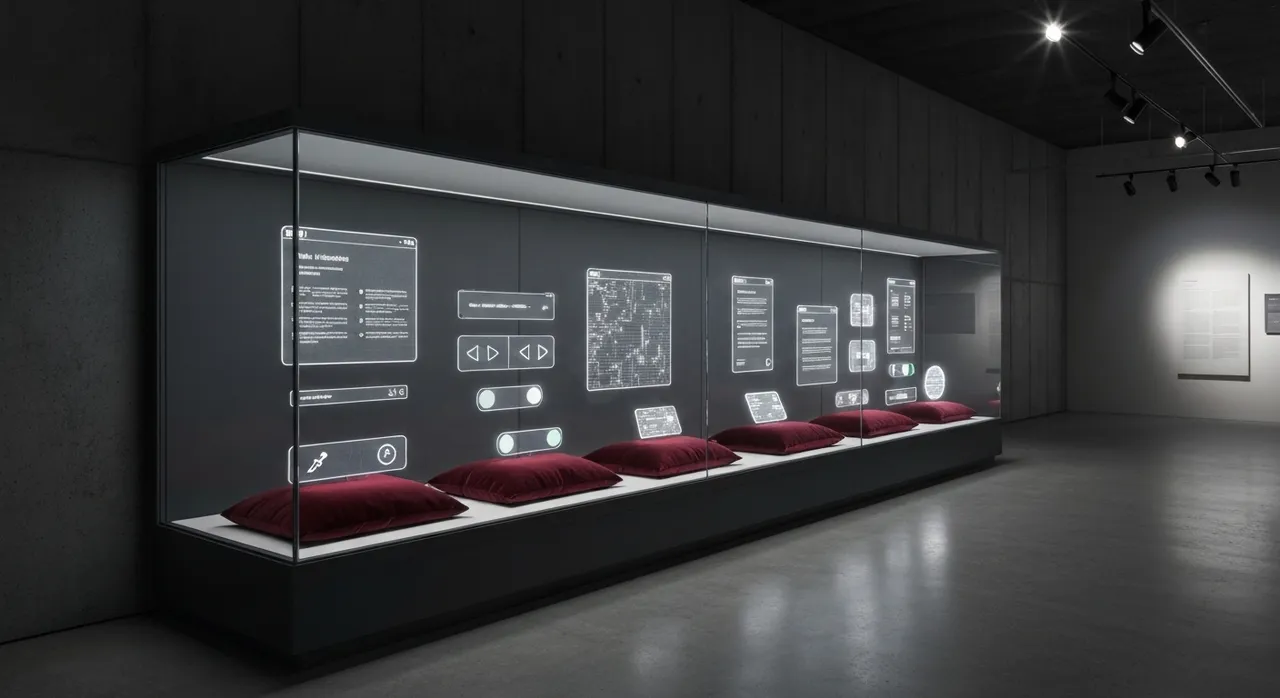
Article Content
In an era where the modern internet is overwhelmingly optimized for conversion funnels, algorithmic frictionlessness, and relentless monetization, user interface elements are rarely appreciated for their aesthetic or historical value. However, Hamburg-based multidisciplinary designer and creative coder Anatoly Zenkov has flipped this transactional paradigm on its head with “Stolen Buttons”, a provocative digital art and web archaeology project paired with a custom browser extension titled Button Stealer. The premise is delightfully simple yet conceptually profound: as users navigate the web, the extension silently detects, harvests, and catalogs primary call-to-action (CTA) triggers, sign-in prompts, and navigation controls from every site visited. By isolating these ubiquitous elements from their original contexts and aggregating them into a personal digital stash, the project transforms mundane UI components into vibrant cultural artifacts. When the project erupted across developer forums like Hacker News and Reddit on July 25, 2026, it ignited an expansive discussion on internet nostalgia, interface evolution, and the hidden mechanics of modern web architecture.
The Digital Archaeology of Stolen Buttons
The web button is arguably the most essential atomic component of modern user interface design. It serves as the bridge between human intentionality and programmatic action—the exact point of contact where a user commits to an online purchase, submits personal data, registers an account, or navigates to a new digital realm. Yet, precisely because buttons are designed to be intuitive and functional, they are perpetually consumed and immediately forgotten. Zenkov’s Stolen Buttons project interrupts this mindless consumption by forcing web users to view these components through the lens of visual anthropology.
When viewed in aggregate within a user’s local visual gallery, these harvested buttons provide an extraordinary cross-section of interface history over the past two decades. The evolution of digital design can be traced directly through the visual anatomy of the interactive button:
- The Skeuomorphic Era (2000s–Early 2010s): Characterized by heavy bevels, high-gloss gradients, exaggerated drop shadows, and simulated tactile textures meant to mimic physical push-buttons.
- The Flat Design Revolution (Mid-2010s): A sharp overcorrection toward absolute minimalism, stripping away dimensionality in favor of solid color blocks, sharp corners, and ultra-clean typography championed by early Metro UI and iOS 7 aesthetics.
- The Material and Minimalist Design Systems (Late 2010s–2020s): Subtle depth restoration using soft elevation shadows, rounded pill shapes, micro-interactions, responsive hover states, and standardized color tokens popularized by frameworks like Material Design, Tailwind CSS, and component libraries like Shadcn UI.
By transforming these transactional triggers into static and semi-interactive collectibles, Zenkov elevates daily web browsing into an act of digital archiving. The button ceases to be an instrument of corporate conversion and becomes an isolated piece of graphic design.
Under the Hood: How Button Stealer Operates
Behind the playful premise of harvesting digital artifacts lies an intricate creative coding exercise in DOM parsing, style serialization, and client-side data isolation. Available open-source on GitHub, the Button Stealer browser extension functions as an automated UI scavenger operating quietly within the browser’s extension runtime.
DOM Traversal and Heuristic Button Scraper
When a user loads a webpage, the extension injects a lightweight content script that scans the Document Object Model (DOM) to identify interactive candidate elements. Detecting what constitutes a “button” across millions of heterogeneous websites requires heuristic parsing. The script targets:
- Native semantic HTML elements such as
<button>and<input type="submit">or<input type="button">. - Hyperlinks (
<a>tags) configured with specific structural classes, inline styles, or Accessible Rich Internet Applications (ARIA) attributes likerole="button". - Custom Web Components and generic container elements (such as
<div>or<span>) that feature explicit pointer event handlers or click triggers.
CSS Style Extraction and Computed Serialization
Scraping a web button is technically complex because modern UI components rely on cascading style sheets, inherited CSS custom properties (variables), external web fonts, embedded SVGs, and dynamic pseudo-classes. Simply copying an element’s HTML markup produces an unstyled, broken fragment. To overcome this, Button Stealer computes the resolved runtime styling of the target element via window.getComputedStyle().
The script iterates through essential computed CSS rules—including background colors, linear gradients, border radii, box shadows, padding metrics, flexbox/grid layout alignments, font families, and typographic weights—and explicitly bakes them directly into inline styles on a cloned DOM node. SVGs, vector icons, and child image assets embedded within the button are captured and serialized as inline data URIs or self-contained SVG markup, ensuring that the harvested button maintains its visual fidelity even when extracted from its host environment.
Client-Side Privacy Architecture and Permission Debates
A crucial architectural choice made by Anatoly Zenkov is that Button Stealer operates entirely
Written by
TempMail Ninja
Digital privacy and online security expert. Passionate about creating tools that protect users' identity on the internet.